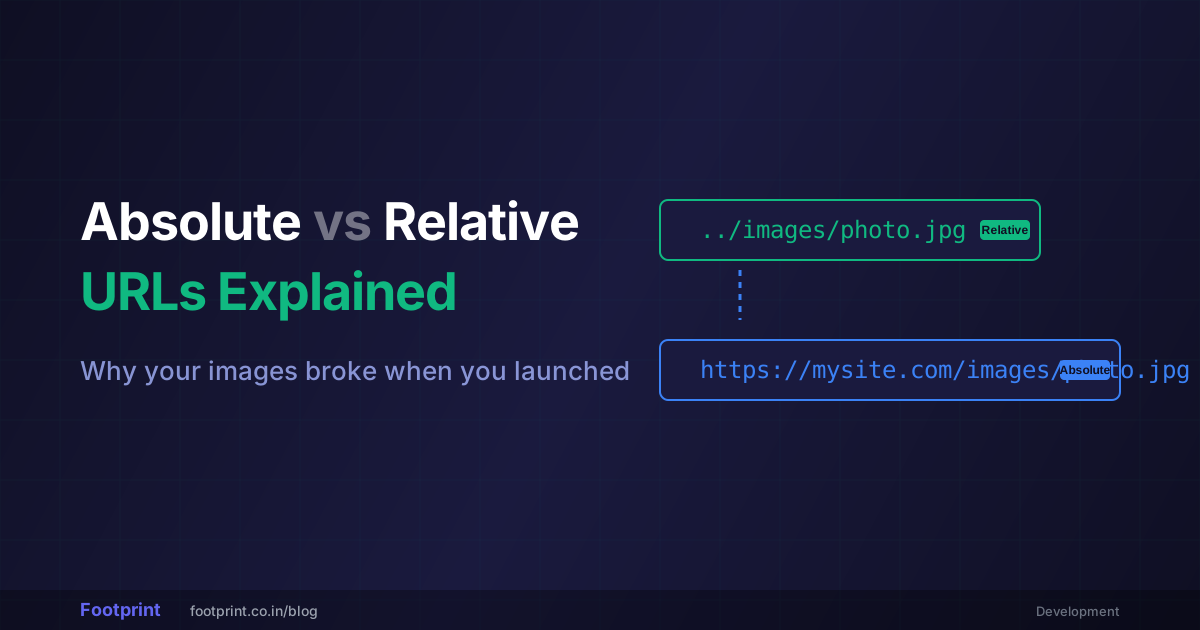
Every link, every image, every stylesheet, and every JavaScript file on the internet is loaded using a URL (Uniform Resource Locator). But how you type that URL in your HTML code determines whether your website is brittle and prone to shattering, or flexible enough to survive massive server migrations.
If you are tired of staring at missing image icons, this comprehensive guide will definitively settle the confusion between Absolute vs Relative URLs, detailing exactly how browsers traverse digital filing cabinets.
The Anatomy of a URL
Before distinguishing between the two types, you must understand what a complete URL looks like under the hood. A full web address isn't just text; it is an incredibly strict set of instructions for the browser.
Consider the URL: https://www.footprint.co.in/blog/article.html?user=123#top
This breaks down into several rigid components:
- Protocol (Scheme):
https://(Tells the browser how to encrypt the request). - Domain Name:
www.footprint.co.in(The massive global server host building). - Path:
/blog/article.html(The specific folder and file on the server's hard drive). - Query String:
user=123(Dynamic database variables). - Fragment (Anchor):
#top(A specific scrolling point within the file).
(Pro-Tip: If you ever need to inspect a massive, confusing web address, paste it into our URL Parser to have it automatically dissected into these individual components).
⚙️ Extract Protocols and Paths via URL Parser →
What is an Absolute URL?
An Absolute URL contains every single piece of information required to find a file from anywhere on Planet Earth.
It absolutely must start with the protocol (`http` or `https`) followed by the core domain name. It is essentially giving someone a complete mailing address: 123 Main Street, Unit 4, Chicago, IL, 60601, United States.
Example in HTML:
<a href="https://example.com/about.html">About Us</a>
<img src="https://example.com/images/logo.png">
The Pros of Absolute URLs:
- They are foolproof: No matter where the user is currently located on the internet, clicking that link will explicitly take them to
example.com. - Mandatory for External Links: If you want to link to a Wikipedia page or a YouTube video, you must use an Absolute URL.
The Fatal Flaw:
Absolute URLs are incredibly rigid down to a fault. If you hardcode `https://example.com/logo.png` everywhere, and next year you change your company name to `sample.com`, every single image across your entire site will instantly break because they are all blindly hunting for the old, dead domain.
What is a Relative URL?
A Relative URL is lazy (in a brilliant way). Instead of stating the full domain name over and over, it tells the browser: "Just start looking from exactly where we are standing right now."
If an Absolute URL is a full mailing address, a Relative URL is giving directions to your roommate: "The keys are in the kitchen drawer." You don't need to state the zip code, because you both already live in the same house.
Example in HTML:
<a href="about.html">About Us</a>
<img src="images/logo.png">
Navigating Relative Folders
When using relative links, you have to use specific syntax to walk "up and down" the server's folder tree.
"photo.jpg": Look in the exact same folder I am currently in."assets/photo.jpg": Go into the "assets" folder, then grab the photo."../photo.jpg": The double-dots (../) mean "go up backward one folder," then look for the photo.
The Magic of the "Root Relative" Slash
Standard relative links break frequently if you move HTML files deep into nested subfolders, because the starting position changes. Professional web developers counter this by using a hybrid path known as the Root Relative Path.
By simply starting your relative URL with a single forward slash (/), you instruct the browser to strip away all the complicated folders and start directly from the main domain name.
Example: <a href="/contact/email.html">
Even if the user is 50 folders deep at `example.com/store/mens/hats/winter/index.html`, clicking that root-relative link instantly brings them straight back up to `example.com/contact/email.html` flawlessly.
When to Use Which? (Best Practices)
For SEO & Canonical Tags: Absolute
When you are defining Canonical Tags (telling Google which page is the original to avoid duplicate content penalties) or generating XML Sitemaps, you absolutely must use full Absolute URLs. If your sitemap just has the word "page2", Google assumes it is broken and ignores it.
For Website Assets (CSS, JS, Images): Root Relative
Never hardcode your domain name into your image tags. By replacing `https://mywebsite.com/logo.png` with `/images/logo.png`, you generate incredible flexibility. This ensures that when you build the site offline via Localhost on your laptop, the images still load perfectly.
Watch Out For Spaces!
Remember that web servers fundamentally cannot read "spaces" in folder names. If you accidentally write a relative link as href="/my images/dog.jpg", it will shatter. The browser will panic and automatically inject messy `%20` tags into the space. If you are dealing with severely damaged file links, paste them into our URL Encoder/Decoder to securely strip or inject proper URL machine formatting.
🔗 Instantly Fix Broken URL Character Encapsulations →
Conclusion
Mastering link architecture solves 90% of beginner web development headaches. Use Absolute URLs when pointing outward to other kingdoms on the internet. Use flexible, Root Relative URLs for all internal navigation, stylesheets, and images so your codebase remains completely agnostic to server migrations.