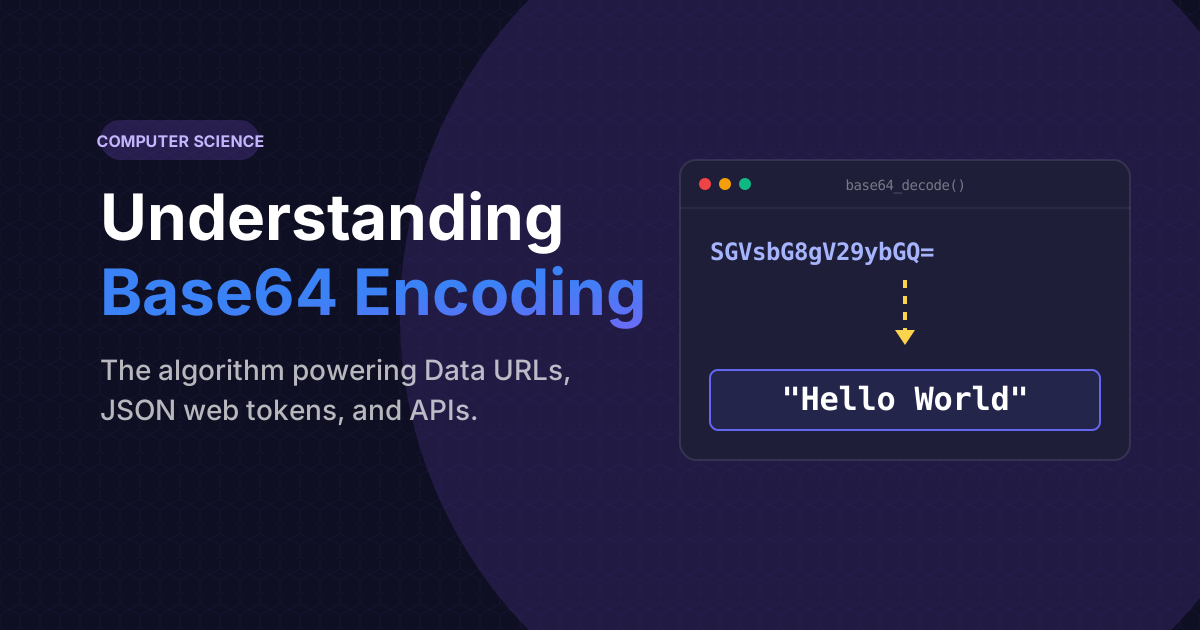
If you've spent any time working in web development, parsing email headers, or interacting with REST APIs, you have undoubtedly encountered massive, seemingly random strings of characters that look like SGVsbG8gV29ybGQ=.
This isn't an alien language, and it isn't an encrypted password. This is Base64. Despite its prevalence, millions of developers blindly copy-paste Base64 blobs without fully understanding what they are doing. In this comprehensive technical deep-dive, we will unravel exactly what Base64 encoding is, why the internet relies heavily upon it, and the mathematical mechanics of how it functions under the hood.
What is Base64 Encoding?
At its core, Base64 is a binary-to-text encoding scheme. It takes raw binary data (the 1s and 0s that make up an image, a PDF, or a compiled program) and translates it into an incredibly safe, readable ASCII string format.
The term "Base64" literally means it uses a specific alphabet of 64 characters to represent the data. These 64 characters are specifically chosen because they are universally supported by every computer system and language on Earth:
- 26 uppercase letters (A-Z)
- 26 lowercase letters (a-z)
- 10 numbers (0-9)
- 2 symbols (usually + and /)
The Historical Problem: Why We Need Encoding
You might be wondering: "Why don't we just send the original binary data? Why go through the hassle of translating it into text?"
To understand this, we have to look back at the early architecture of the internet—specifically, the email system (SMTP). When email protocols were first designed in the 1970s and 1980s, they were strictly built to handle 7-bit ASCII text. That means they could perfectly transmit the letter "A" or the number "5", but if you tried to send a raw JPEG image file, the email servers would completely misinterpret the binary zeroes and special control characters. The server might see a binary sequence that meant "End of Transmission" and abruptly cut the email off halfway through.
To fix this, engineers created a brilliant workaround: MIME (Multipurpose Internet Mail Extensions) and Base64. By converting unstable binary image data into completely stable A-Z text, the email server could process the image attachment just like a normal paragraph of text.
Need to decode a mysterious string?
Safely encode raw text into Base64 or decode complex data strings instantly using our client-side developer tool.
Launch Base64 ToolHow The Algorithm Actually Works
The mathematical conversion of Base64 is remarkably elegant. Here is the step-by-step breakdown of how a computer converts data into Base64:
- The Split: The computer takes the raw binary data and splits it into chunks of 24 bits (which equals exactly 3 bytes).
- The Re-group: It then takes that 24-bit block and chops it into four smaller chunks of 6 bits each.
- The Mapping: Since 6 bits can represent exactly 64 different numerical values (from 0 to 63), it matches each 6-bit chunk to its corresponding character in the 64-character alphabet.
This is why you frequently see the = (equals) sign at the end of a Base64 string. The algorithm requires the total binary data length to be a multiple of 24. If the data falls short, it adds padding zeros, which are represented by the equals sign, ensuring the decoder knows exactly how the parsing ended.
Base64 is NOT Encryption (A Crucial Distinction)
This is arguably the most dangerous misconception in computer science.
Base64 alters the appearance of data, making it illegible to a human peering over your shoulder. Because of this, novice developers falsely assume the data is secure. It is not.
Encryption requires a secret, cryptographic key to unlock data. Base64 is entirely public. The algorithm to decode SGVsbG8= back into "Hello" is baked into every web browser, terminal, and operating system on the planet. If you encode a user's API token or database password into Base64 and store it in an insecure cookie, any hacker can reverse it in 0.1 seconds.
Common Use Cases in Modern Web Development
While Base64 was invented to fix ancient email problems, it remains a critical piece of modern infrastructure today.
- Data URIs in CSS: Instead of forcing the browser to send a separate HTTP request to load a tiny 10-pixel icon, developers can encode the icon into a Base64 string and paste it directly into their CSS file. It loads instantly.
- JSON Web Tokens (JWT): The modern standard for user authentication relies heavily on Base64. A JWT is essentially three massive JSON objects encoded into Base64Url (a slight variation that is safe to use in web URLs).
- API File Uploads: When interacting with REST APIs, transmitting raw binary files in a JSON body is incredibly messy. Most APIs require you to encode the file into a Base64 string before transmitting via a POST request.
Frequently Asked Questions
Yes. Because the algorithm takes 3 bytes of raw data and expands it into 4 bytes of text characters, Base64 encoding naturally inflates file sizes by exactly 33%. This is why you should never encode massive video files or high-resolution images as Base64.
Standard Base64 uses the "+" and "/" characters. These two symbols hold special meaning in web URLs (they denote spaces and directory paths). Base64Url safely swaps those two dangerous characters with a minus "-" and an underscore "_", allowing the encoded data to sit safely in a domain link without breaking the URL parser.
Absolutely. Under the hood, emojis are just complex UTF-8 byte sequences. The Base64 protocol completely bypasses languages—it just looks at the raw binary bytes and translates them to standard A-Z characters effortlessly.