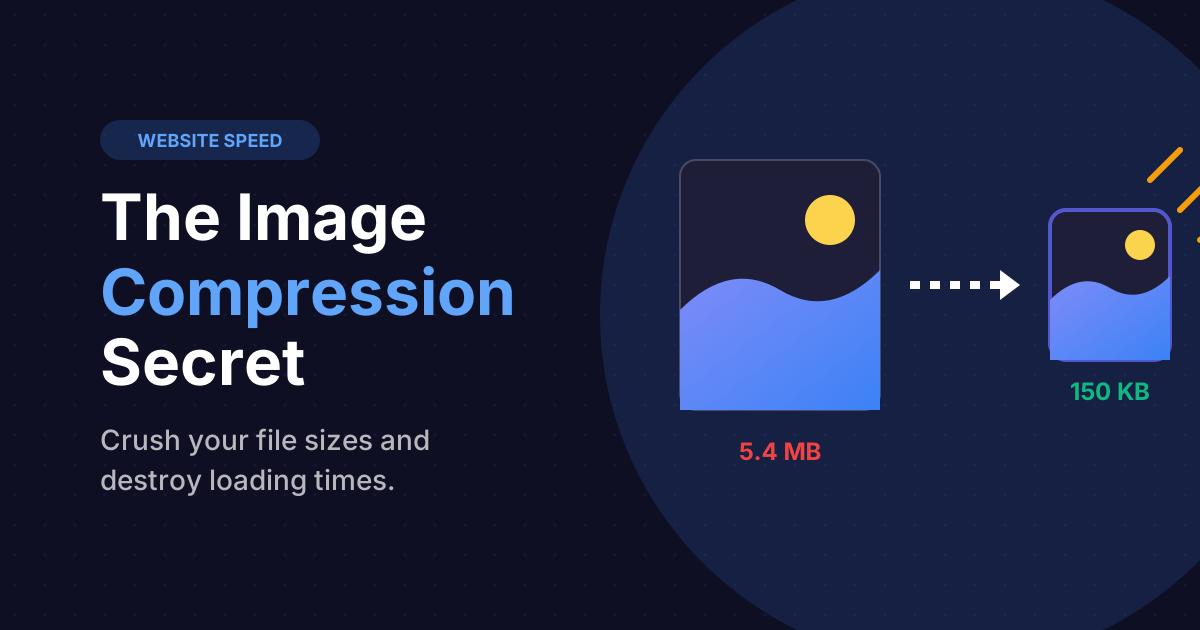
If you build a modern website today, the first thing your users will complain about is speed. In fact, if your website takes longer than 3 seconds to load on a mobile device, statistical studies show that over 53% of users will abandon the page completely.
Developers routinely respond by pouring money into expensive cloud servers, agonizing over complicated caching plugins, and minifying every single line of CSS and JavaScript they can find. Yet, they almost entirely ignore the gigantic elephant in the room: Images.
Images routinely account for over 60% to 75% of a website's total downloaded file weight. Uploading a 5-Megabyte raw photograph from an iPhone directly to your WordPress blog is effectively a death sentence for your page speed. In this technical deep dive, we are going to explore exactly why image compression is the ultimate "silver bullet" for web performance, and how to execute it perfectly.
The Heavy Web: Why Websites Are So Slow Today
Over the last decade, internet speeds have skyrocketed. Technologies like Fiber-Optic connections and 5G cellular networks give us bandwidth we could only dream of in the 90s. Logically, websites should load instantly. But they don't. Why?
Because as bandwidth expanded, developers got lazy. Instead of optimizing assets, they assumed the user's fast internet would compensate for their massive, unoptimized files.
A pristine, high-resolution header photograph on a blog post might be 4,000 pixels wide and weigh 7 Megabytes. Rendering that image rapidly drains a mobile phone's battery, devours the user's cellular data cap, and brutally delays the display of critical text below the image (a metric Google calls Largest Contentful Paint).
Lossy vs. Lossless: The Two Types of Compression
To fix this, you must run your visuals through an image compressor. However, there are two violently different mathematical algorithms used to crush file sizes.
- Lossless Compression: The algorithm mathematically rewrites the file data to be perfectly efficient without removing a single pixel of information. For example, if there is a massive block of pure white sky, instead of saving the code "White, White, White..." a thousand times, it simply saves the code "1000x White". The visual result is 100% identical to the original image, but the file size reduction is usually minimal (around 10-20%).
- Lossy Compression: This algorithm aggressively and permanently deletes overlapping or "invisible" color data that the human eye cannot perceive. It subtly merges similar shades together. This degrades the technical quality of the image slightly, but results in a massive 70% to 90% file size reduction.
The Golden Rule of Web Design: Almost all web photographs should use Lossy compression. The human eye cannot detect the 15% quality drop on a 1080p laptop screen, but your server will absolutely feel the 85% drop in file weight.
Crush your image files instantly
Dramatically boost your website score. Use the Footprint tool to compress heavy JPEGs and PNGs entirely inside your browser (no uploads required).
Launch Image CompressorHow Mega-Bytes Directly Destroy Your SEO Rankings
Google considers page speed an absolute tier-1 ranking signal. In 2021, Google rolled out the Core Web Vitals update, fundamentally tying mobile loading times directly to where your website places on the Search Engine Results Page (SERP).
If your competitor's blog post contains compressed, lightweight 100-kilobyte images, their page will achieve an LCP (Largest Contentful Paint) score of under 1.5 seconds. If your identical blog post uses massive 3-Megabyte files, your server will choke, and your LCP will hit 5 seconds. Google's algorithm will automatically down-rank your page for providing a miserable, sluggish user experience.
PNG, JPG, or WebP? Understanding Modern Formats
Compressing images is only half the battle. You must choose the correct format.
- JPG / JPEG: The king of complex photographs. Use it for portraits, landscapes, and complex gradients. JPG does not handle sharp text well, and it does not support transparency.
- PNG: The king of flat graphics. Use it for logos, screenshots of software, and charts. PNG supports transparency (meaning no white box behind a logo), but if you save a complex photograph as a PNG, the file size will be catastrophically large.
- WebP: The modern standard engineered directly by Google. WebP provides superior lossless and lossy compression combined, supporting transparent backgrounds at a fraction of the file size of a PNG. All modern browsers (Chrome, Safari, Edge) now support WebP. You should be migrating your image stack to WebP immediately.
How to Safely Compress Batch Images Free Online
Do you need to pay for a premium Photoshop subscription or download heavy desktop applications to compress images? No. Modern browsers are powerful enough to execute high-tier compression math entirely client-side using WebAssembly.
By using the free Footprint Image Compressor, you can select massive high-resolution photos directly from your hard drive. Using the interactive slider, you can pull the image quality down to roughly 80%. You will see the visual preview remain remarkably sharp, while the final estimated file size plummets from 4MB down to 250KB. Once optimized, click Download, and inject that lightweight asset directly into your blog CMS!
Frequently Asked Questions
Not if calculated correctly. The trick for Retina (high-DPI) displays is to save the image at twice the physical pixel dimensions you need, but compress the quality heavily (to say, 60%). The massive pixel density compensates for the compression artifacts, creating a sharp image at a tiny file size.
While automated server-side plugins (like Smush) are convenient, they often add heavy database bloat, consume server processor limits during uploads, and charge monthly fees for their best algorithms. Compressing your hero-images manually before upload ensures zero server lag.
SVG (Scalable Vector Graphics) is incredible for logos and UI icons because it is essentially just math code—meaning it scales to infinite sizes with zero quality loss and tiny file weights. However, SVG cannot render realistic photographs. It is strictly for vector geometry.