Every single day, you type a URL into your browser, hit Enter, and within 300 milliseconds, a vibrant page full of menus, articles, and playing videos appears.
The fluidity of modern internet browsing hides a chaotic, highly mechanical truth happening under the hood. The web server that handles your request doesn't send you a video player. It doesn't send you a red button. All the server sends back is a boring, long text file written in HTML.
The magic happens on your physical computer. Your web browser (whether it is Chrome, Safari, or Firefox) reads that text document, translates it, and constructs an invisible scaffolding in its memory. This invisible scaffolding is called the Document Object Model (DOM).
If you want to understand how the internet actually functions, you must decipher the DOM.
What Exactly Is The DOM?
The easiest way to understand the Document Object Model is to think of it as a translation bridge between two languages that hate each other: HTML and JavaScript.
HTML is a static markup language. It just says "I want a paragraph here."
JavaScript is an aggressive, dynamic programming language. It says "I want to delete a paragraph, change its color, and make it bounce."
The problem? JavaScript literally cannot read HTML code. It has no idea what an HTML tag is.
This is why browsers create the DOM. The DOM is essentially an API (Application Programming Interface). When the browser downloads the HTML file, it reads all the text and converts every single HTML tag into a "JavaScript Object" living in your computer's RAM. Now that everything is converted into objects, JavaScript can finally see them, grab them, and control them.
Building the Family Tree
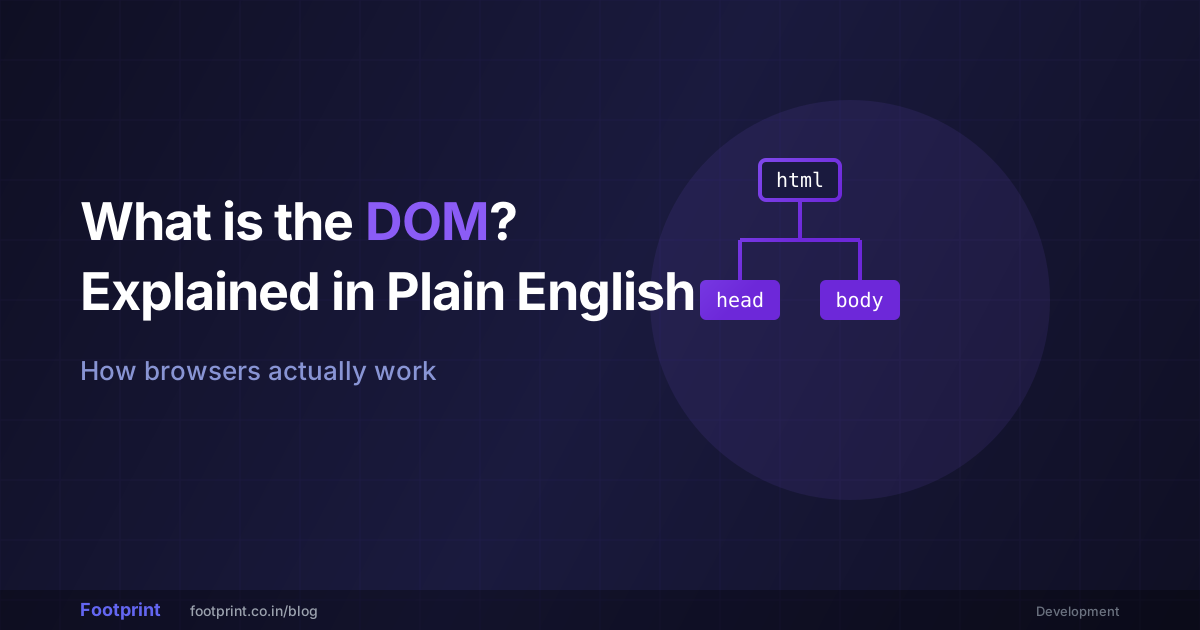
The DOM does not just throw all these objects into a random pile. It organizes them hierarchically into something computer scientists call a "Node Tree." It looks exactly like an ancestral family tree.
- At the very top of the tree sits the
Documentobject. (This is the great-grandfather). - Directly beneath it is the
<html>element. - That element has two children: exactly one
<head>and exactly one<body>.
Every paragraph, image, and link on a website is a descendant hanging off one of the branches of the <body>. By structuring data like a tree, a browser can precisely map out exactly where an element lives physically on the screen.
How JavaScript Injects Life
Once the browser builds this DOM tree in its memory, the website is officially "rendered." But right now, it is entirely static.
Then, the browser's JavaScript engine wakes up. Because the DOM has translated everything into objects, JavaScript can reach into the tree and behave like a chaotic gardener.
Using commands like document.getElementById('buy-button'), JavaScript can:
- Chop off entire branches (deleting an annoying pop-up ad from the screen).
- Graft new branches onto the tree (loading new Tweets as you scroll down without refreshing the page).
- Change the DNA of a leaf (turning a blue 'Submit' button green when you hover over it).
Every time you click a "Like" button on social media and a little heart animation pops up, you are watching JavaScript manipulate the DOM in real-time.
Why Clean Code Matters
Because the DOM relies highly on the tree structure, writing broken or sloppy HTML can cause catastrophic rendering issues. If you forget to close a </div> tag, the browser's parser gets incredibly confused. It will accidentally nest the rest of the website inside the wrong branch, completely destroying the visual layout.
If you are writing raw web code, it is imperative to keep your structure completely clean so the browser can map the tree efficiently. You should regularly run your codebase through our HTML Formatter. It will scan your syntax, fix indentations, and visually map out the parent-child relationships before you send it to the live server.
⚙️ Organize your tags with the HTML Formatter →
Similarly, because JavaScript has absolute god-like power over the DOM tree on the client's machine, malicious hackers can analyze your JS code to understand how to exploit your website. Most modern development teams use a JavaScript Obfuscator before deployment. This mangles the variable names and logical flow, making it extremely difficult for a human hacker to read your DOM manipulation logic, without actually breaking the code for the web browser.
🔐 Secure your code with JS Obfuscator →
The Quick Summary
When you hear developers talking about "DOM Manipulation" or the "Virtual DOM", they aren't talking about anything abstract. They are simply talking about the invisible tree of objects your web browser builds to map out the visual layout of a website. The cleaner the HTML, the stronger the tree; the better the JavaScript, the more interactive those branches become.
Frequently Asked Questions
Is CSS part of the DOM?
Technically, no. When the browser downloads the HTML, it builds the DOM tree. When it downloads the stylesheets, it builds a completely separate, parallel tree called the CSSOM (CSS Object Model). The browser then perfectly overlays the two trees together right before it paints the pixels onto your monitor.
Can I view the DOM on a mobile device?
You cannot easily view it natively on an iPhone or Android because they lack the "Right Click > Inspect" developer tools found on desktop browsers. However, you can plug your phone into a laptop via USB and use Chrome or Safari's remote debugging tools to inspect the mobile DOM on your computer screen.
What is a 'DOM Leak'?
A DOM leak is a critical bug. It happens when JavaScript deletes an element from the web page visually, but accidentally keeps a background reference to the Object in memory. As the user clicks around, the computer's RAM fills up with thousands of invisible "ghost" DOM objects, eventually causing the browser tab to crash entirely.