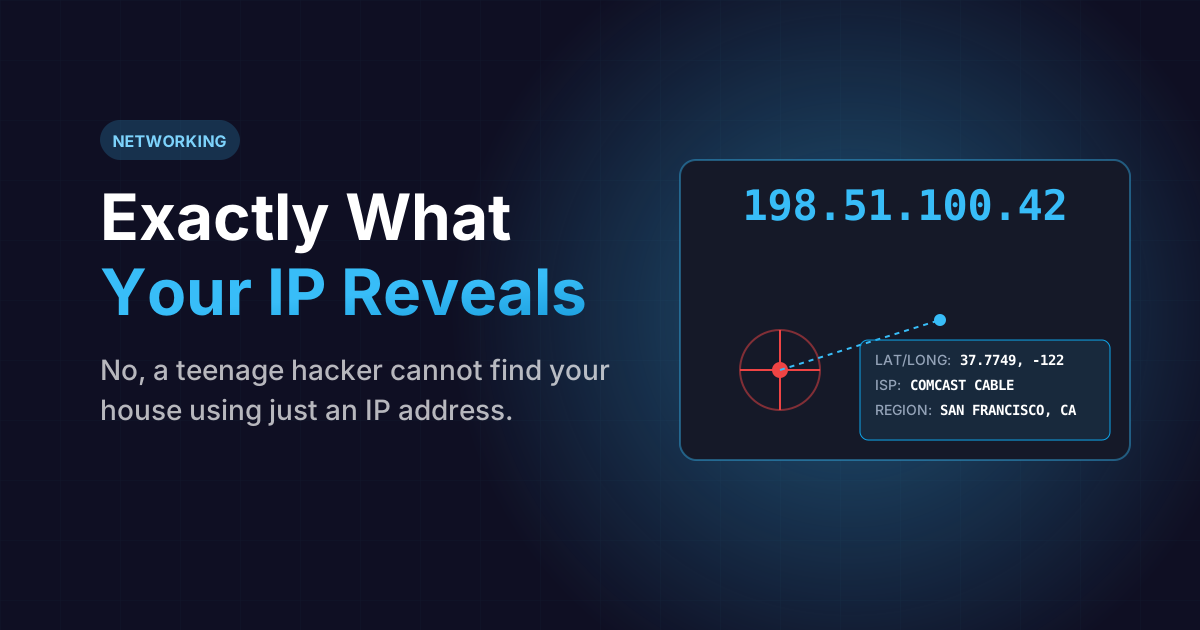
If you've ever played a competitive multiplayer game, you've likely encountered an angry player who threatens to "DDoS your IP" or claims they know "exactly where you live." This aggressive posturing is usually complete nonsense, but it relies on a very real fear: most people have no idea how their internet connection actually works.
Your IP (Internet Protocol) address is your digital fingerprint. Every single time you request a webpage, you are voluntarily broadcasting this fingerprint to a remote server. But does an IP address act like an exact GPS map to your front door? Can a hacker steal your identity just by knowing your IP?
Let's strip away the Hollywood hacking fiction and dive into the exact networking mechanics of your Public IP.
The Internet's Post Office: Local vs Public
Before understanding tracking, you must understand the difference between Local (Private) and Public addresses.
When your laptop connects to your home Wi-Fi router, the router assigns it a Local IP (usually something like 192.168.1.15). This is an internal address. It is completely invisible to the outside internet. It exists solely so your home router knows which device is the television and which device is the laptop.
However, when you ask your router to load "YouTube.com", your router must use a Public IP Address. This is a unique global identifier assigned to your physical house by your Internet Service Provider (ISP), such as Comcast, AT&T, or Spectrum. You cannot hide this. If you don't provide a return address, YouTube's servers literally have no idea where to send the video data back to.
Check your current exposure
Wondering what servers see when you connect to them? Instantly check your real-time Public IP, detected ISP, and geographical broadcast region.
View My Public IPExactly What Data is Attached to an IP?
If someone manages to capture your Public IP address (by hosting an image you clicked on, or fighting you in a peer-to-peer video game), they can run it through a massive GeoIP database. This database will instantly reveal:
- Your Internet Service Provider (ISP): E.g., Verizon Fios.
- Your General Region: State and Region codes (e.g., California).
- Your City/Zip Code: (Often highly inaccurate, but usually points to the nearest metropolitan data center).
- ASN (Autonomous System Number): The specific server backbone your traffic flows through.
The Hollywood Hacking Myth
In movies, a hacker types rapidly on a keyboard, "resolves the IP," and a flashing red dot appears over the victim's exact suburban house. This is literally impossible for a civilian to do.
A Public IP address does NOT contain your exact street address. It does not contain your name, your phone number, or your social security number.
When someone geo-locates your IP, they are merely finding the location of the regional ISP distribution hub that serves your entire neighborhood (or sometimes, your entire city). It might be five miles away from your actual home.
The exception: Law enforcement. If the police need to find you, they subpoena your ISP (who owns the master ledger). The ISP logs show that at precisely 4:32 PM, that specific IP address was leased to the modem located at your specific billing address. Unless the angry gamer is an FBI agent with a court warrant, they cannot find your house.
How VPNs Mask Your Digital Coordinates
If you prefer absolute privacy and don't want target-ads knowing what city you live in, the architectural solution is a Virtual Private Network (VPN).
Instead of your router connecting directly to YouTube, your router connects securely to an encrypted VPN server located in Switzerland. The Swiss server then requests the video from YouTube on your behalf. YouTube's logs show the Public IP belonging to a Swiss datacenter. Your true local ISP remains completely obfuscated.
Frequently Asked Questions
Usually not. Most residential internet plans use "Dynamic IPs," meaning your provider periodically shuffles and assigns you a new address every few weeks, or whenever your modem is fully rebooted. "Static IPs" are permanent, but usually cost extra and are used by businesses running servers.
Yes. A Distributed Denial of Service (DDoS) attack involves flooding a specific IP with massive amounts of junk traffic. If a malicious user acquires your home's Public IP, they can throttle your router and physically knock off your internet connection by overwhelming your bandwidth.
IPv4 addresses look like this: 192.158.1.38. Because the internet grew so massive, we mathematically ran out of combinations for IPv4. IPv6 is the new, infinitely larger protocol that uses longer hexadecimal strings (e.g., 2001:0db8:85a3::8a2e) ensuring we never run out of addresses again.