Long ago, writing a post on the internet involved logging into a clunky CMS like WordPress or Blogspot and being greeted by a massive row of toolbar icons: "B", "I", "U", alignment charts, and font-family drop-downs. This was the era of the What You See Is What You Get (WYSIWYG) editor.
It was supposed to mimic Microsoft Word natively inside a web browser. But beneath the surface, these editors were creating an absolute bloodbath of garbage HTML code that routinely broke websites and frustrated authors. To fix the web, developers required a complete paradigm shift in how we process formatted text. The solution was the rise of Markdown.
The Inherent Flaws of WYSIWYG
When you highlighted a sentence in an old visual editor and clicked the 'Bold' button, you weren't actually bolding the text natively. You were secretly injecting horrific inline DOM styling into the database payload.
If you accidentally copy-pasted a paragraph from Microsoft Word directly into one of those editors, it would secretly carry over hundreds of invisible style rules (``, `style="mso-font-alt: Calibri"`, inline spacing pixels). The result was completely unmaintainable spaghetti code that refused to adhere to the website's master CSS stylesheet.
Additionally, visual editors drastically slow down the writing process. Every time you want to format a header, your hands must leave the keyboard, grab the mouse, drag upwards, highlight the text, and find the precise dropdown icon.
The Paradigm Shift: John Gruber's Markdown
In 2004, a developer named John Gruber created Markdown. His goal was simple: write content using plain, universally readable text characters that could easily compile into pristine, flawless HTML code securely behind the scenes.
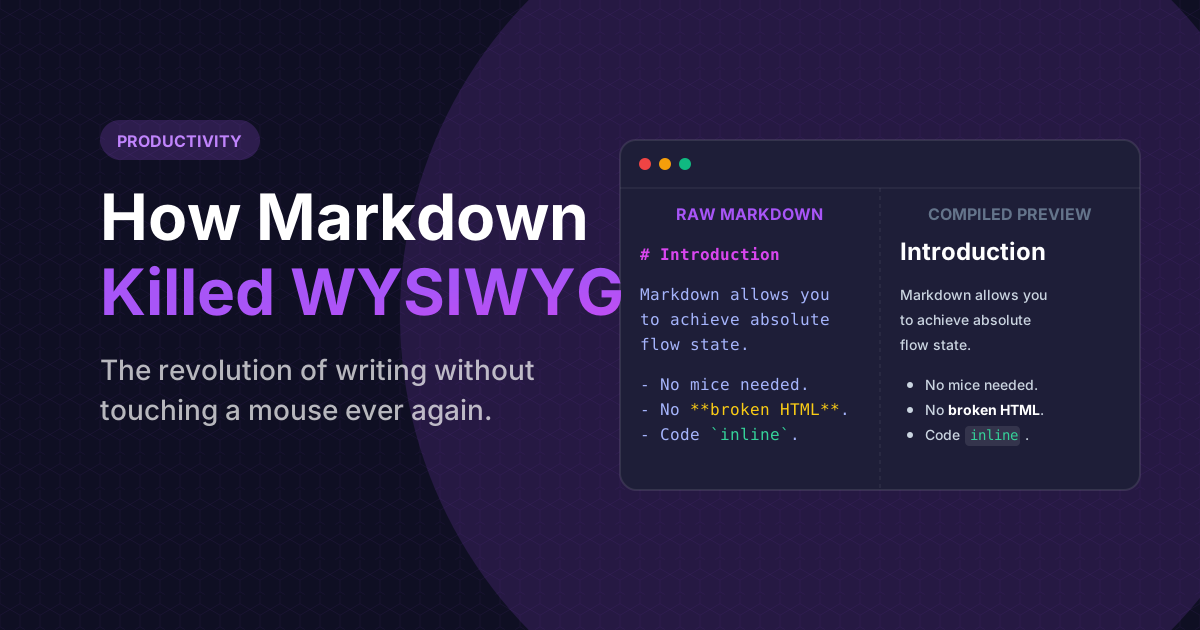
Instead of clicking a bold button, you just surround your text in asterisks: `**Bold Text**`. To create a massive header, you just type a hashtag: `# Main Header`.
This fundamentally changed digital writing forever. Your hands never leave the keyboard. You achieve absolute flow state. And most critically, the database receives pure, completely unsalvaged unstyled text devoid of invasive inline styles.
Modernize your legacy HTML
Do you have thousands of pages of old, messy, WYSIWYG-generated HTML? You can instantly strip the garbage styling and rewrite the content into pristine Markdown formatting using our compiler.
Launch HTML to Markdown ConverterWhy GitHub Forced the Industry to Adapt
Markdown languished in obscurity for a few years until Git architectures took over the developer ecosystem. Engineers absolutely abhorred writing documentation in Word Docs. GitHub embraced Markdown natively via the `README.md` file.
Suddenly, millions of developers were forced to learn the hashtag syntax. They realized how beautifully rapid and un-bloated it was, and immediately began tearing out WYSIWYG editors from their own platforms. Reddit, Discord, Slack, and modern CMS architectures all uniformly adopted Markdown rendering pipelines precisely because it was secure against Cross-Site Scripting (XSS) HTML injection attacks.
Frequently Asked Questions
Not at all. The entire primary syntax of Markdown can be memorized in less than five minutes. Hashtags for headers, dashes for lists, and asterisks for bolding. It fundamentally reads like natural shorthand taking.
GitHub Flavored Markdown. Because Gruber's original spec was slightly too simplistic, GitHub extended it to include complex support for massive Tables, triple-backtick language Code Blocks, and URL auto-linking.
No, not natively. Markdown explicitly separates "Content" from "Presentation." The author is tasked solely with writing the content. The web designer controls how that content is colored and displayed via global CSS. This protects brand consistency.